Architectural visualization isn’t just about creating beautiful renders anymore. Clients expect quick revisions, designers want to explore more ideas, and deadlines seem to get shorter every year.
That’s why AI has become such a useful addition to the design process. Whether you’re creating an early concept, refining materials, or preparing a presentation, the right tool can save hours of work.
The problem is that not every AI tool is built for the same job.
Some tools are designed to help you generate quick concepts, while others are better for refining existing renders or working directly with your 3D models. Choosing the right one depends on where AI fits into your workflow and what you’re hoping to get out of it.
Here are three tools that stand out for different reasons.
1. Krea AI
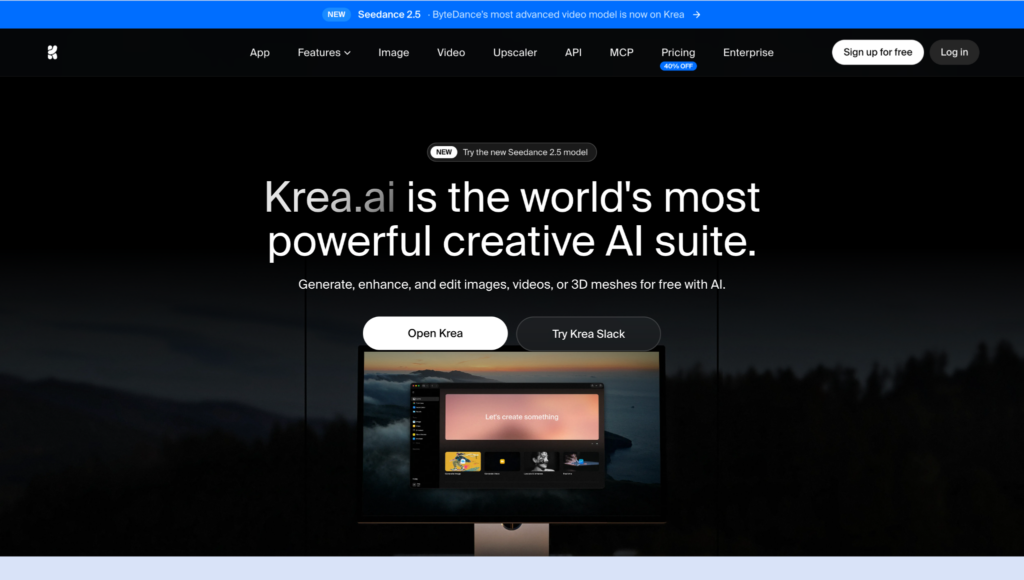
Krea AI is probably the closest thing to an all-in-one creative workspace for architectural visualization.
Instead of only generating images, it lets you create visuals from text prompts or reference images, compare results across multiple AI models, edit specific parts of a render, generate variations, upscale images, and even turn still renders into short animations – all without leaving the same workspace.
One thing I like is how flexible it feels. Krea gives you access to more than 60 AI models, including its own Krea 2 model as well as models like Flux and Imagen. That makes it easy to experiment with different styles while keeping the same project in one place.
For architects, Krea is especially useful in the early stages of a project. You can start with a sketch, a rough render, or an image from software like Revit, SketchUp, Blender, or 3ds Max, then quickly explore different materials, lighting, atmosphere, and presentation styles before creating a final render.
It also includes real-time editing, AI upscaling up to 22K resolution, and image-to-video tools for client presentations.
What you’ll get
- Create images from text or reference images
- Compare different AI models
- Edit and improve renders
- Upscale images up to 22K
- Turn images into short videos
Best for: Architects and designers who want one tool they can use from the first idea to the final presentation.
2. Adobe Firefly
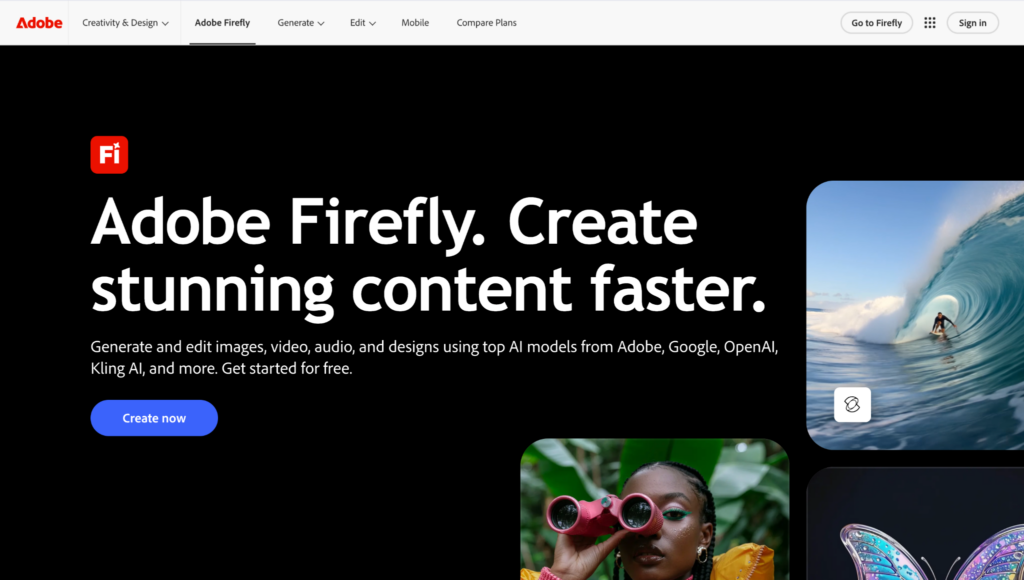
Adobe Firefly isn’t really trying to replace your rendering software. Instead, it’s designed to make editing and presentation much faster.
Its biggest strength is how well it works inside Photoshop. You can use features like Generative Fill, Generative Expand, and Text to Image to replace landscaping, extend backgrounds, remove unwanted objects, add furniture, or test different materials without rebuilding an entire scene.
That makes Firefly particularly useful once you already have a render. Instead of sending it back for another render every time a client wants a small change, you can often make those adjustments directly inside Photoshop.
Because it’s part of Adobe Creative Cloud, it also fits naturally into existing workflows alongside Photoshop, Illustrator, and InDesign, making it a practical option for architecture studios that already rely on Adobe software.
What you’ll get
- Built into Photoshop
- Generative Fill and Generative Expand
- Quick edits without re-rendering
- Easy way to improve presentation images
Best for: Designers and architects who already use Adobe Creative Cloud.
3. Veras
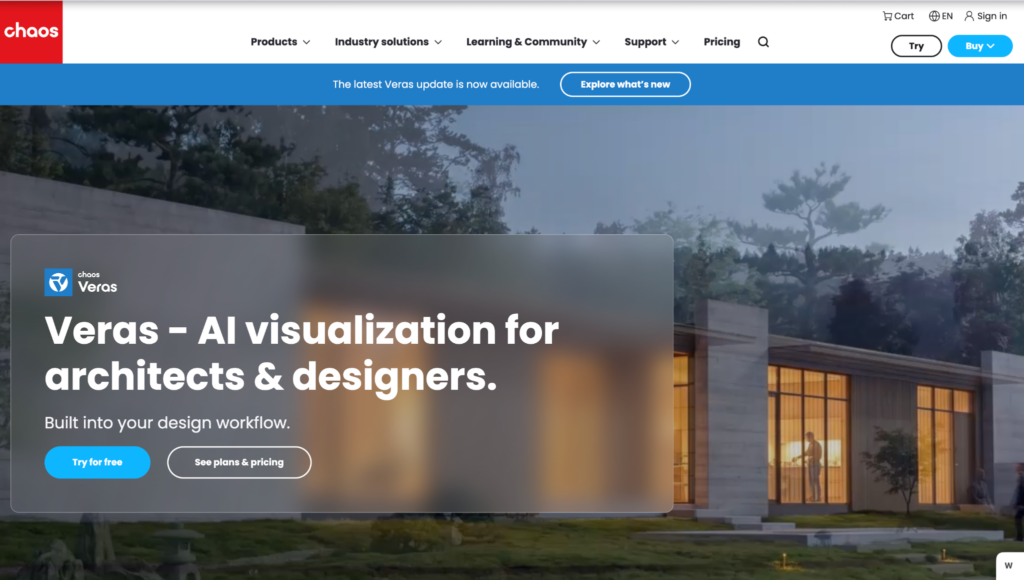
Veras takes a different approach from most AI image generators because it was built specifically for architects.
Rather than starting with a text prompt alone, Veras works alongside design software like SketchUp, Revit, Rhino, Vectorworks, and Archicad, allowing you to generate realistic visualizations while keeping your original geometry as the starting point.
It’s particularly useful during concept development, where you want to test different materials, lighting conditions, façade treatments, or presentation styles without remodeling the entire project. Because the AI starts from your actual model, the results tend to stay closer to your design intent than a general-purpose image generator.
For architecture firms already using BIM software every day, that integration is one of Veras’ biggest advantages.
What you’ll get
- Works with SketchUp, Revit, Rhino, and other design software
- Generate visuals directly from your models
- Quickly test materials and lighting
- Great for client presentations and design reviews
Best for: Architecture firms and visualization studios working with BIM and CAD software.
Conclusion
AI is becoming a useful part of architectural visualization, but the best tool really depends on how you work.
If you’re looking for one platform that can help you create, edit, and refine visuals from start to finish, Krea is probably the strongest all-around choice. It brings together image generation, editing, upscaling, and animation in one place, making it easy to explore ideas and create presentation-ready visuals.
If you already use Photoshop as part of your workflow, Adobe Firefly is a great option for making quick edits and improving existing renders. And if most of your projects start in software like SketchUp or Revit, Veras is worth considering thanks to its close integration with architectural design tools.
Whichever tool you choose, AI can help you spend less time on repetitive tasks and more time focusing on your designs.